# 创建激活码、员工在桌面端登号

<mark style="color:green;">**1.老板设置激活码**</mark>

老板先登录系统主管端，

然后点击 【激活码管理】，点击【新建激活码】，进入弹窗，根据需求，完成相关设置（如果想要快速投入使用，只需填写备注信息，其他选择默认即可），创建完激活码后，将激活码、桌面端下载网址发给员工。

<figure><img src="/files/TZLseDz5tofeyxw797jf" alt=""><figcaption></figcaption></figure>

<mark style="color:green;">**2.员工快速登号**</mark>

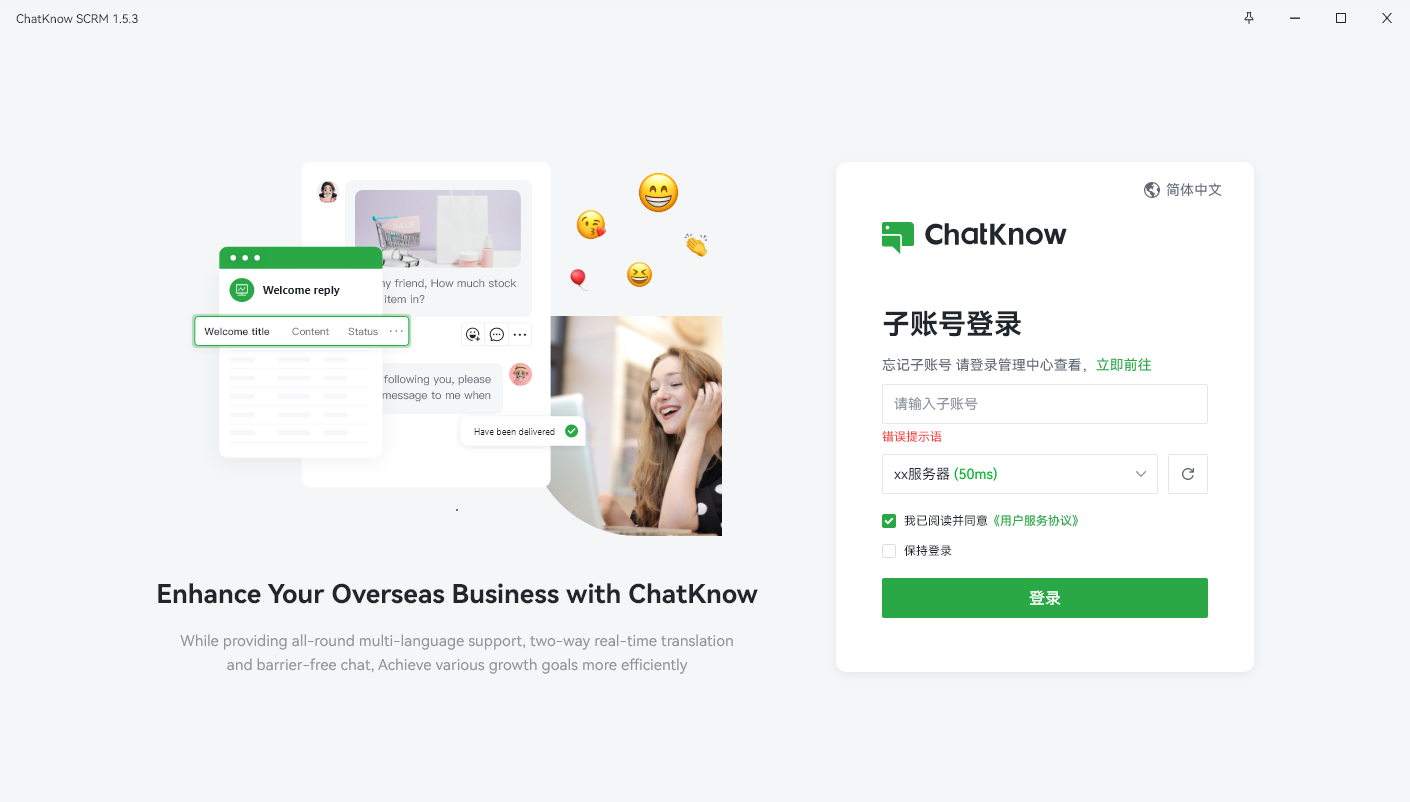
员工安装桌面端（参考准备工作），然后通过老板给的激活码，登录需要引流的账号，以TG账号为例

<figure><img src="/files/CJYsXauUylS6q4D1L2ir" alt=""><figcaption></figcaption></figure>

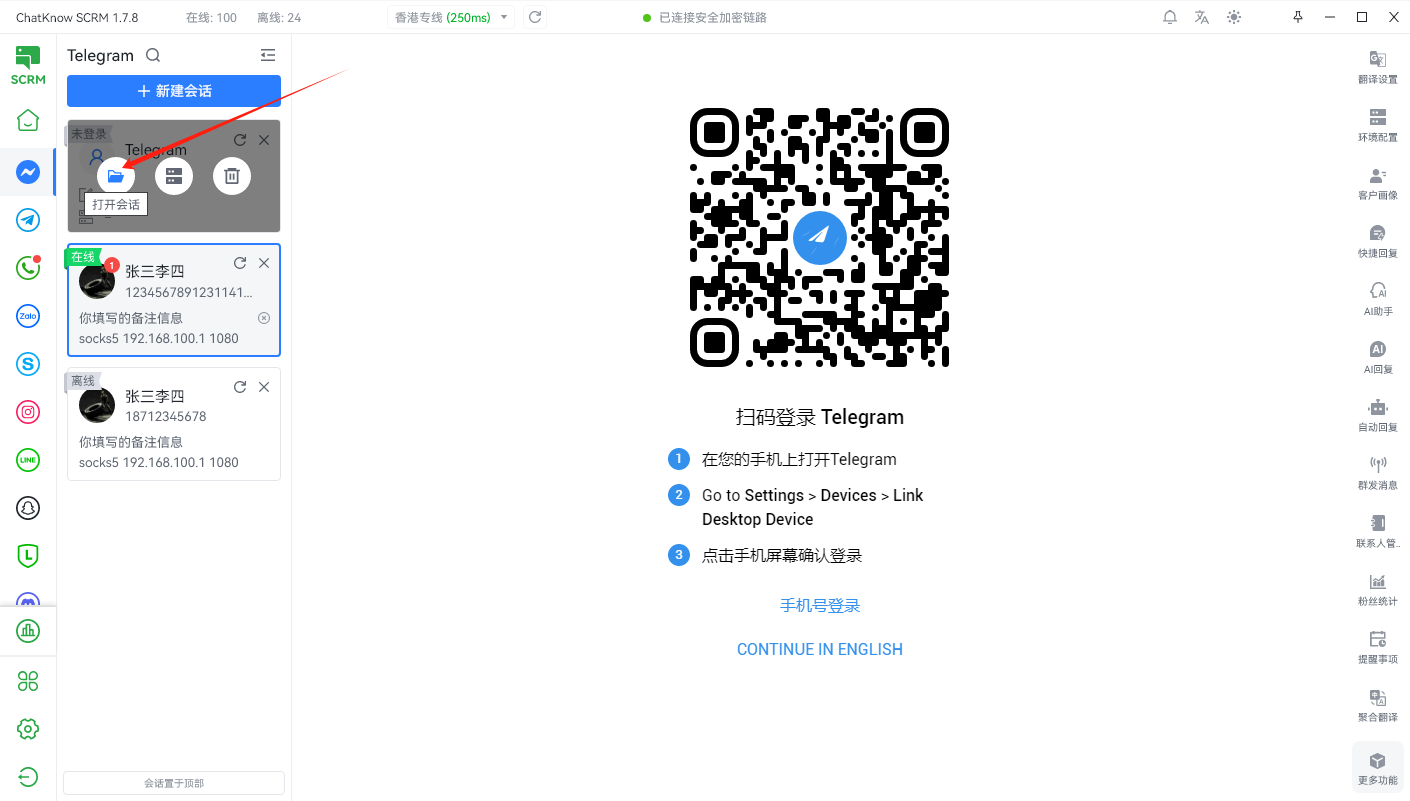
点击 【新建会话】 →点击配置代理（看需求，默认本地IP），手机扫码登录TG账号，进入账号聊天页面，说明登号成功。（其他平台操作相同）

<figure><img src="/files/8GqD7pl5Tksx9nTLfUXF" alt=""><figcaption></figcaption></figure>


---

# Agent Instructions: Querying This Documentation

If you need additional information that is not directly available in this page, you can query the documentation dynamically by asking a question.

Perform an HTTP GET request on the current page URL with the `ask` query parameter:

```
GET https://docs.chatknow.com/chatknow-kuai-su-ru-men-tu-wen-jiao-cheng/chuang-jian-ji-huo-ma-yuan-gong-zai-zhuo-mian-duan-deng-hao.md?ask=<question>
```

The question should be specific, self-contained, and written in natural language.
The response will contain a direct answer to the question and relevant excerpts and sources from the documentation.

Use this mechanism when the answer is not explicitly present in the current page, you need clarification or additional context, or you want to retrieve related documentation sections.